Accessibility Suite · Digital accessibility · WCAG 2.1 AA and EN 301 549

Accessibility that holds up in operation.

Two products and two services for digital accessibility: continuous checking with Incluvia, visual context for screen readers, CMS-agnostic analysis, and an audit reported against WCAG 2.1 AA and EN 301 549.

Digital content is inspected for barriers, prioritised, and passed to human review
01Websites and shops, any CMS02WCAG 2.1 AA and EN 301 549 as the test basis03Continuous checking rather than a one-off audit04Reports usable as evidence for internal processes

Who it is for

For website and product teams working on accessibility continuously.

Digital accessibility is a process, not a plugin: check, prioritise, fix, evidence. The CodeXaureus Accessibility Suite covers that path with two products and two services, usable separately or together. We work independently of the CMS, test against WCAG 2.1 AA and EN 301 549, and state plainly what a tool resolves automatically and what remains an editorial or design decision.

Request an analysis
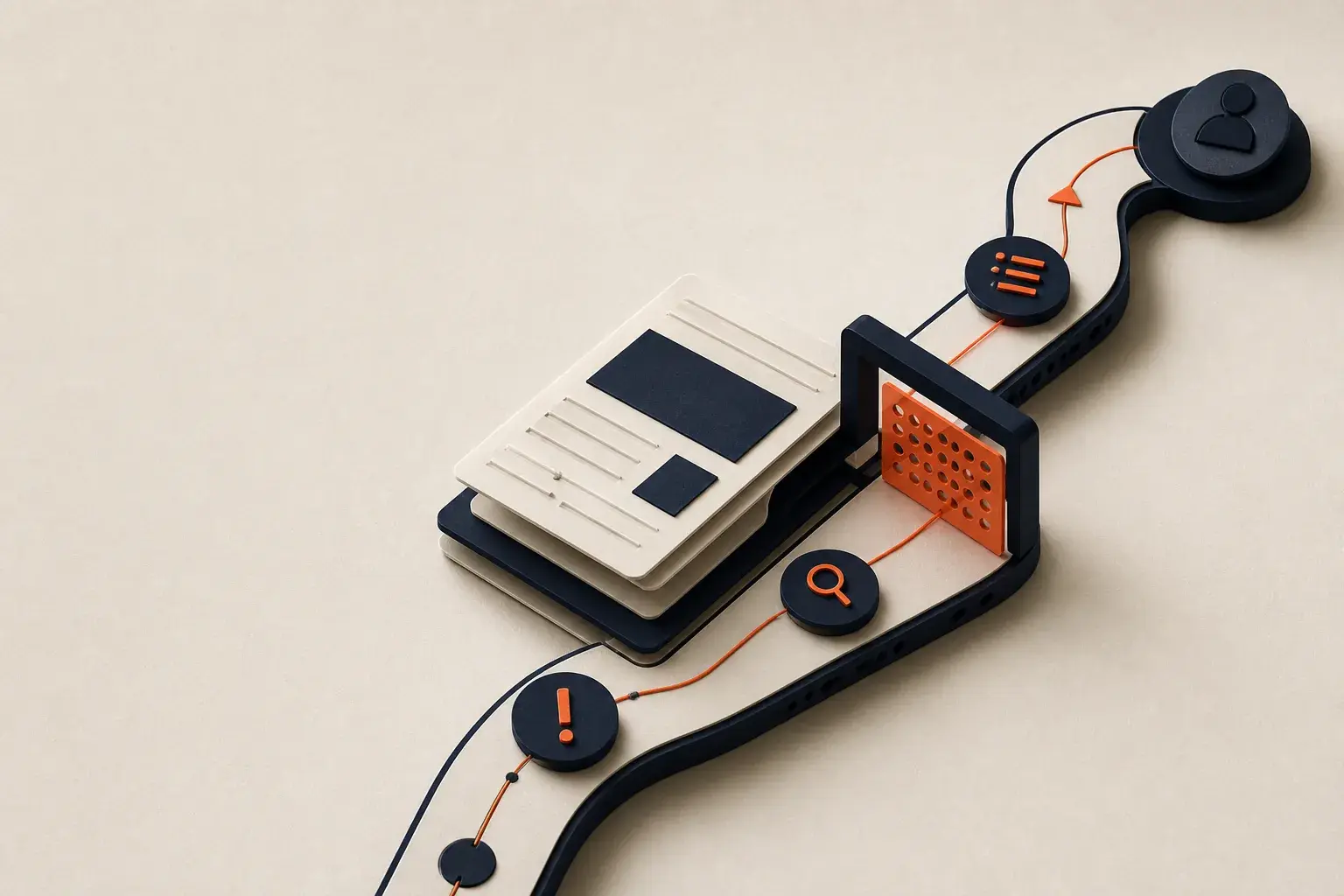
Connected planning steps lead to a prioritized target point

Who works with it

The Accessibility Suite supports website owners, ecommerce, content, and development teams in finding testable barriers repeatedly, prioritising fixes, and organising responsibilities.

What software alone does not solve

No tool makes a website compliant on its own. Only part of the requirements can be checked automatically; comprehensibility, interaction logic and editorial quality remain the operator's responsibility. That is why we combine software with analysis and an audit rather than selling a plugin as the answer.

What we test against

WCAG 2.1 AA and EN 301 549 are the test basis, placed in the context of the European Accessibility Act and its German implementation. Testing starts from the delivered HTML, the templates and the recurring components, so it works whatever CMS or shop system sits behind them.

The situation

Why a one-off audit is not enough

  • Continuous change

    New content, components, and releases can introduce new barriers.

  • Unclear priorities

    Long findings lists show problems but not the best working sequence for the team.

  • Shared responsibility

    Engineering, editorial, and design teams need different guidance and one shared status.

In operation

Accessibility as a dependable operating process

01

Find issues earlier

Recurring scans expose technically testable barriers after changes.

02

Prioritise useful work

Structure findings by impact and accountable team.

03

Support editorial teams

Assisted suggestions help with suitable jobs such as alt text while preserving contextual review.

04

Document progress

Status and changes support a traceable internal process.

Scope

Two products, two services

Specific enough for a sound decision and bounded enough for dependable delivery.

  • Incluvia · continuous checking and assisted remediation

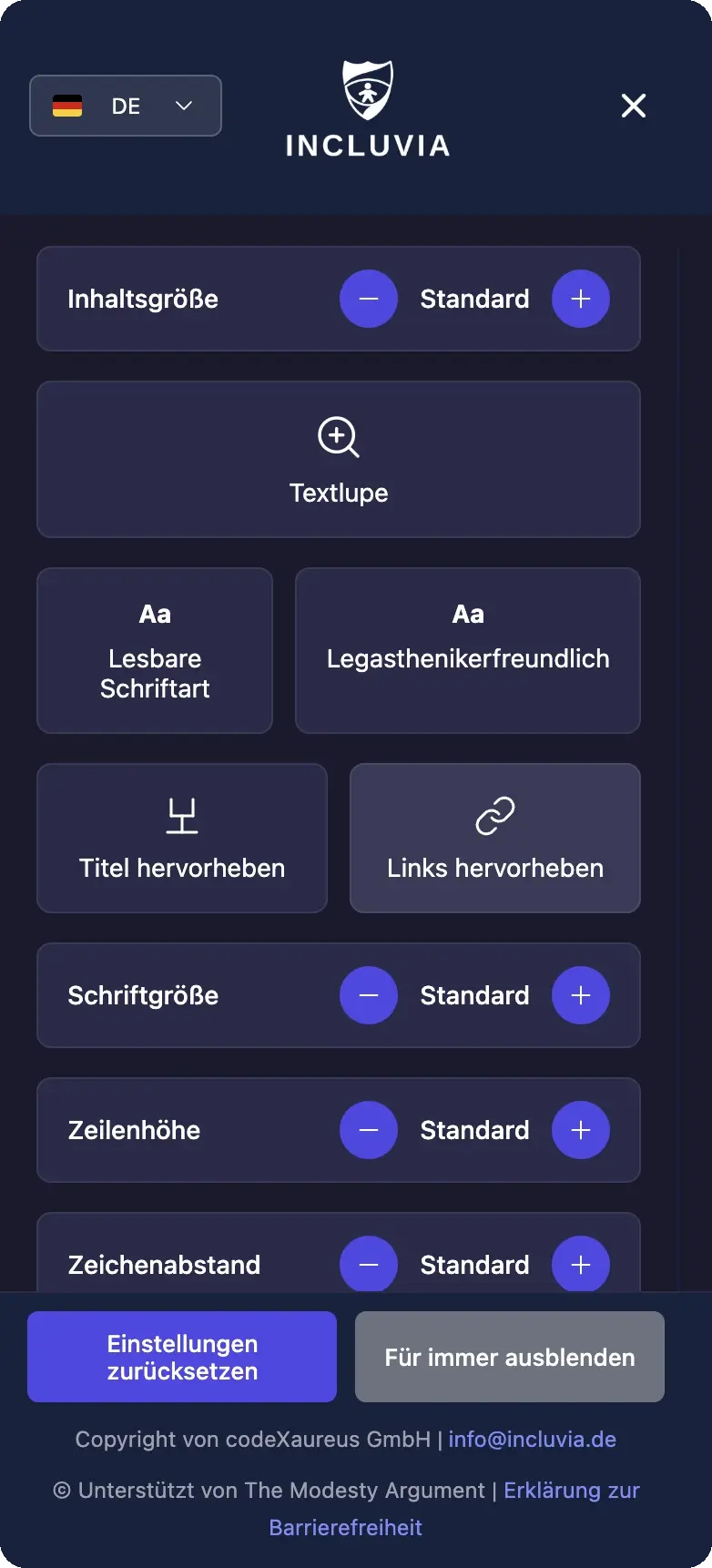
    Our accessibility software checks pages repeatedly, prioritises technical barriers by location, and supports alt text, ARIA, contrast and language attributes. Where a problem is technically checkable, it proposes a correction or applies one.

  • Visual Context · image context for screen readers

    An AI tool that goes past alt text: it describes infographics, charts and dashboards for blind users as a statement rather than an object, and answers follow-up questions about the same image in conversation. That opens up content a single line of alt text cannot carry. In development; talk to us about pilot projects.

  • Website and shop analysis

    We take apart structure, templates and recurring components, whatever CMS or shop system sits behind them. The result is not a list of findings but an answer to which building blocks create the barriers, and where one correction repairs many pages at once.

  • Audit and report

    A pass against WCAG 2.1 AA and EN 301 549, alongside page performance, written up. The report names the gaps, orders them by effort and impact, and is structured to serve both as internal evidence and as a plan of work.

How it runs

Test, improve, and learn after every release

  1. Connect the website

    Define technical scope, pages, and owners.

  2. Create a baseline

    Capture testable barriers and order them by impact.

  3. Distribute fixes

    Route work to engineering, design, and editorial teams and review it.

  4. Monitor changes

    Retest new releases and maintain a visible status.

06

Production use requires clear accountability.

CodeXaureus combines product configuration, system integration, and ongoing quality control. Scope is assessed against data, interfaces, privacy, and operational ownership before a pilot.

Common questions

Questions to answer before making a decision.

Does a tool make a website automatically compliant?

No. No tool replaces an individual legal and professional review of all content and processes. Only part of the requirements can be checked automatically; comprehensibility, interaction logic and editorial quality remain the operator's responsibility. That is why we combine software with analysis and an audit rather than selling a plugin as the answer.

Which standards do you test against?

WCAG 2.1 AA and EN 301 549, with the results placed in the context of the European Accessibility Act and its German implementation. Whether those apply to a specific offering is a legal question we clarify with you rather than answer generically.

Why is alt text not enough for charts and dashboards?

Alt text is one sentence. An infographic, a chart or a dashboard carries a statement, often several, and which one matters depends on the reader's question. Visual Context therefore describes the content as a statement and allows follow-up questions about the same image, instead of emitting one fixed line.

Which CMS and shop systems do you work with?

The analysis is system-independent and starts from the delivered HTML, the templates and the recurring components. That works for common CMS and shop platforms as well as for custom applications.

What is in the report?

The accessibility and performance gaps found, each with its location, the component affected, a rating by effort and impact, and a concrete proposal for fixing it. The report is written as a plan of work, not as tool output.

Is alt text generated automatically?

Incluvia proposes alt text for suitable images. Meaningful content should be reviewed editorially so that purpose and context are described correctly. Automatically generated alt text that describes the picture rather than its function does not meet the requirement in practice.

Do I need all four parts?

No. Analysis and audit work without the software, and Incluvia can be integrated without a prior audit. In practice, analysis then audit then continuous checking is the most economical order, because the first two steps point the work at the components that affect many pages at once.

How quickly do I get a result?

For the analysis and the audit the timeframe depends on scope and system access; we commit to it before starting rather than quoting a range. Incluvia delivers a baseline scan once integrated, which is what the prioritisation is built on.

Assess the accessibility workflow

How is accessibility handled in your website operation today?

We clarify scope, technical requirements, and a realistic continuous workflow.

Discuss Accessibility Suite